Krea Review 2026: Is Krea AI Worth Paying For?
Krea review 2026: what the free plan covers, current Basic, Pro, Max and Business prices, what compute units buy, video, LoRA training, and who should pay.
By Simple Life Reviews · Updated
This review was researched and drafted with AI assistance from publicly available tests and owner reports, then run through automated fact and source checks and an editorial pass. We did not test the product hands-on. How we review
Some links in this review are affiliate links. If you buy through them we may earn a commission, at no extra cost to you.
Our rating
Unmatched model breadth and realtime canvas in one subscription; video unit burn, learning curve and business-only data guarantees hold it to four.
Ratings by product
- Krea
Krea started as the realtime canvas that turned rough sketches into images as you drew, and in 2026 it has become something much broader: one subscription for more than sixty image and video models, its own Krea 3 model, an agent that plans and builds whole ads, custom style training and an upscaler. That breadth is the selling point and the source of the confusion, because the pricing changed twice this year and most reviews still quote old numbers. This Krea review uses the vendor's own pricing page as checked today, the plan-by-plan unit math at AI Digital Space, hands-on samples from AllAboutAI, and the company and policy details collected by Rankller and WriteTested, to answer whether Krea is free, what each plan really buys and who should pay.
Verdict in short: If you would otherwise pay for several generators, Krea is the best single subscription: dozens of leading models, a live sketching canvas and custom style training sit behind one login and one bill. Stay on the free plan if you only make images, take Pro on yearly billing if you make video, and look elsewhere if you need one best-in-class model or precise traditional editing.
What Krea is
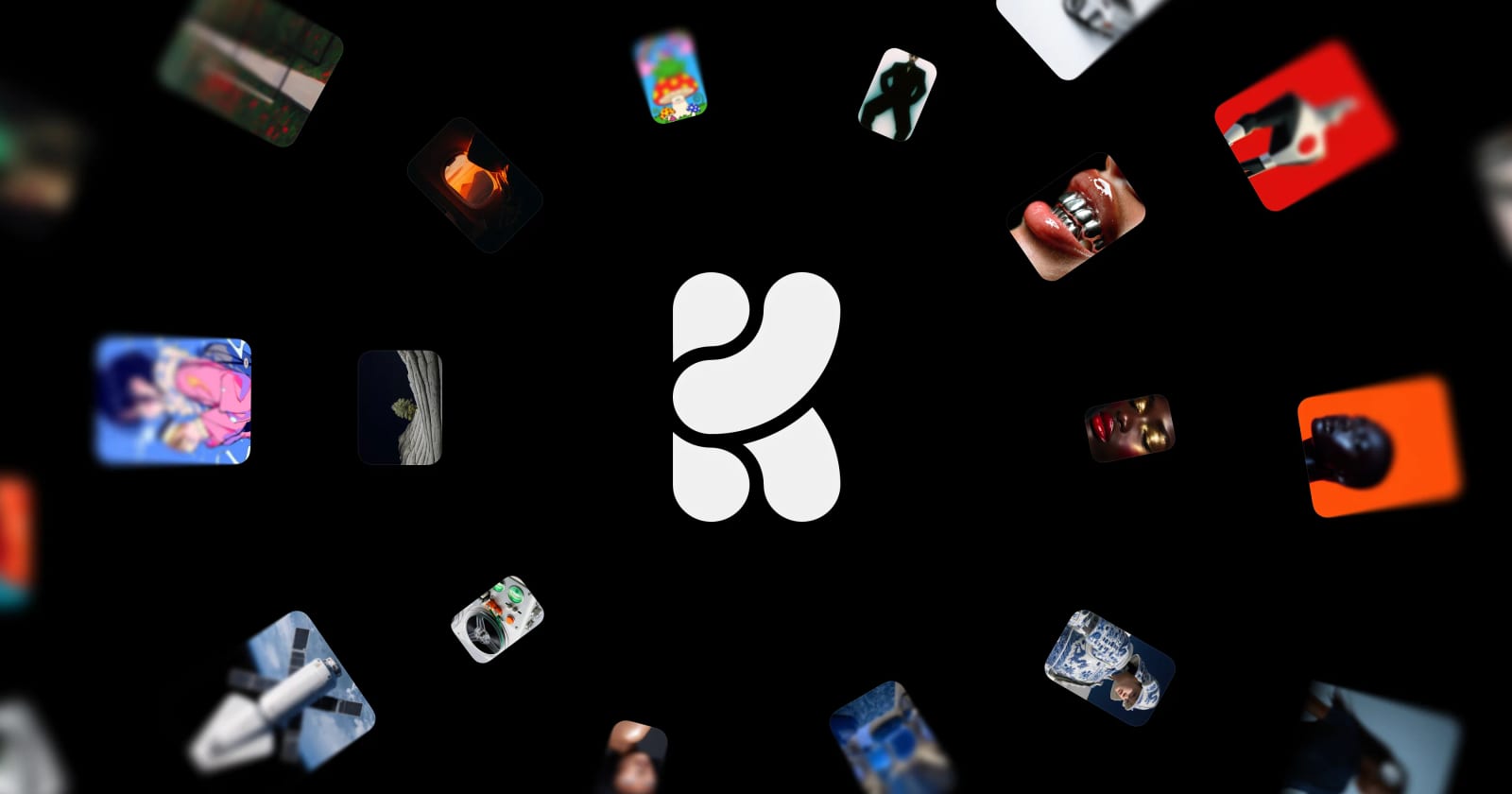
Krea is a browser platform for generating and editing images and video with AI. AI Digital Space describes it as host to more than 60 models, including Krea's own Krea 2 and Krea 3 and third-party models such as Nano Banana, Seedance, Kling, Wan and Flux, plus Krea's own tools: the realtime canvas, Nodes workflows, an agent, LoRA training and upscaling. Rankller reports the company was founded in San Francisco in 2022, serves more than 30 million users across 191 countries and is backed by a16z, Google Gradient and Pebblebed. The brand's own site now leads with Krea Agent and ready-made ad templates.
Pricing
Krea's current prices, as shown on the vendor pricing page when we checked it on 2026-11-01, are $5.25, $21, $63 and $160 a month on yearly billing for the four paid tiers. AI Digital Space maps those to Basic, Pro, Max and Business and lists the month-to-month prices as $9, $35, $105 and $200, so yearly billing saves about 40%. Older reviews quote figures that no longer apply; MSPowerUser, for example, still shows Pro as it was at $35 monthly or $28 yearly under a three-tier lineup.
| Plan | Price per month | Limits | Free tier |
|---|---|---|---|
| Krea Free | Free | About fifty images a day on Krea 2 Turbo, no video, 2K upscaling, no commercial licence | Yes, refills daily |
| Krea Basic | vendor pricing page: $5.25 billed yearly | Selected video models, commercial licence | Free plan below |
| Krea Pro | vendor pricing page: $21 billed yearly | Every video model, large monthly units, high-resolution upscaling | Same |
| Krea Max | vendor pricing page: $63 billed yearly | Heavy video, large LoRA training sets | Same |
| Krea Business | vendor pricing page: $160 billed yearly | Teams, business data terms | Same |
Every paid plan includes a commercial licence; the free plan does not, as Rankller notes. Cancelling stops renewal at the end of the paid period; yearly billing is the cheap option but locks you in for twelve months.
What the units actually buy
Krea meters everything in compute units, and video burns them fastest. AI Digital Space works it out from Krea's own example counts: Basic's 5,000 monthly units make about 2,500 Krea 2 Turbo images or 20 Seedance videos, Pro about 10,000 images or 83 videos, and Max about 30,000 images or 250 videos, with one short Seedance clip costing about as much as 125 fast images. Mixing image and video splits the budget, so plan your month before choosing a tier.
The free plan
The free tier is genuinely useful for images. AI Digital Space reports 100 compute units a day that refill daily, roughly 50 Krea 2 Turbo images, but no video slots, upscaling capped at 2K, LoRA training capped at 50 images and one image at a time. Rankller adds that it needs no credit card and carries no commercial licence, so anything you make is for personal or testing use.
Models, Krea 3 and the agent
The model library is the reason to subscribe. Krea 3 became the default model in October and adds fast high-resolution image editing, and the platform rotates in new third-party models quickly: the brand site currently lists Seedance, Kling, FLUX, Ideogram and GPT Image variants. Krea Agent, now on every plan according to AI Digital Space, plans and generates sequences of images and video from a single brief, which is where Krea is heading with its ad templates.
Realtime canvas and editing tools
The realtime canvas remains Krea's signature: you sketch shapes or move a webcam image and watch the AI render update live, which suits concept art and quick ideation better than prompt-and-wait tools. The editing toolkit adds upscaling, inpainting, style transfer and Nodes workflows for chaining steps. AllAboutAI's tester found text-to-image results matched prompts with around 95% visual fidelity and video kept over 90% accuracy, but text-to-3D fell short at under 50% correspondence.
Video generation
Video is where Krea differs from image-only rivals, and where the plan choice matters most. Basic limits video to selected models, which is why AI Digital Space recommends Pro for anyone serious about video, with every video model, 20,000 units a month and upscaling up to 22K. The brand site promotes models capable of cinematic full-HD clips, but every second costs units, so heavy video users will end up on Max.
Custom training with LoRA
LoRA training teaches a model your own style, product or character from a set of images. Free, Basic and Pro train on up to 50 images, and Max and Business allow 2,000, per AI Digital Space, which makes the higher tiers the choice for brands that need consistent characters or product shots at scale. Rankller notes Krea 3 extends fine-tuning to edits as well.
Security & data
Krea runs in the cloud, so prompts, uploads and outputs live on its servers. The privacy point most reviewers raise is training: Rankller reports no-training data policies on business-tier accounts, which implies individual plans do not get the same guarantee, so keep confidential product imagery off the lower tiers. Commercial use requires a paid plan.
Pros and cons
Pros
- Dozens of leading image and video models under one subscription
- Realtime canvas for fast ideation
- Generous free plan for images
- LoRA training for consistent styles and products
- Big yearly discount
Cons
- Video eats compute units quickly
- Steep learning curve with so many models
- No commercial licence on the free plan
- Business-only no-training guarantee
- Frequent pricing changes leave many reviews out of date
Who it's for
Use Krea if you are a designer, marketer or content creator who wants to test many image and video models without juggling subscriptions, needs consistent characters or product visuals through LoRA training, or likes sketching ideas in real time. Pro on yearly billing is the plan most creators need.
Skip it if you only need one model you already know, want free video, or edit precisely in a traditional editor. WriteTested lists the learning curve of so many models as its main con, and AllAboutAI mentions occasional bugs and slow support.
Alternatives
| Alternative | Price | Where it beats Krea | Where Krea wins |
|---|---|---|---|
| Midjourney | Not priced in our sources | Distinctive image aesthetic, community | Video, many models, realtime canvas |
| Runway | Not priced in our sources | Pro video editing tools | Image models, price per image |
| Canva | See our review | Templates, layout, team design | Generative model breadth |
For other AI creative subscriptions weighed on value, see our ElevenLabs review for voice and our Grammarly review for writing.
Our ratings
Overall: 4/5. Overall, Krea earns four because WriteTested scores it 83/100 for putting 64 models in one workspace and AI Digital Space finds Pro the best-value plan for creators, while fast-burning video units, a steep learning curve and business-only data guarantees hold it back.
Krea
Krea scores 4/5. The breadth of models and the realtime canvas are unmatched in one subscription per AllAboutAI's hands-on tests, with weaker 3D output and occasional bugs as the trade-off.
FAQ
Is Krea AI free?
Yes. The free plan gives 100 compute units a day that refill daily, about 50 fast images, per AI Digital Space, but no video and no commercial licence.
How much does Krea AI cost?
The vendor pricing page showed $5.25, $21, $63 and $160 a month on yearly billing on 2026-11-01 for Basic, Pro, Max and Business; paying month to month costs noticeably more.
Is Krea Pro worth it?
For anyone making video, yes: Pro unlocks every video model and a large monthly unit budget. If you only make images, the free plan or Basic is enough.
What is Krea 3?
Krea's own image model, which became the default in October 2026 and focuses on fast, high-resolution image editing, with LoRA fine-tuning for edits.
Does Krea AI do video?
Yes, through many third-party video models on paid plans. Basic covers selected models; Pro and above cover all of them. The free plan has no video.
Do Krea credits expire?
The free plan's daily units refill every day and do not roll over; paid plans come with a monthly unit allowance tied to the billing cycle.
What are the best Krea alternatives?
Midjourney for a distinctive image style, Runway for professional video editing, and Canva if you mainly need templates and layouts rather than generation.