Cet avis est rédigé en Anglais.
Canva Review 2026: Is Canva Pro Worth Paying For?
Canva review 2026: what the free plan covers, what Canva Pro costs and unlocks, the AI tools' limits, honest downsides from four testers and who should upgrade.
Par Simple Life Reviews · Mis à jour
Cet avis a été élaboré et rédigé avec l'aide de l'IA à partir de tests publics et de retours de propriétaires, puis soumis à des vérifications automatiques des faits et des sources et à une relecture éditoriale. Nous n'avons pas testé le produit nous-mêmes. Notre méthode
Certains liens de cet avis sont des liens d'affiliation. Si vous achetez via ces liens, nous pouvons percevoir une commission, sans frais supplémentaires pour vous.
Notre note
Four independent testers rate Canva at or near the top of its category for ease of use, template breadth and value; export limits, low-resolution AI output and billing complaints cost it the last half point.
Notes par produit
- Canva
Canva is the design tool people reach for when they are not designers: a browser app full of templates, stock images and one-click AI fixes that turns a blank social post, slide deck or flyer into something presentable in minutes. The question most readers of a Canva review actually have is narrower: the free plan is generous, so is Canva Pro worth paying for, and what does the money buy? We read the hands-on reviews at PCMag, Style Factory, 24Slides and the Digital Project Manager, went through the user-rating roundups and the complaint threads they summarise, and compared the plan limits line by line to answer that.
Verdict in short: Canva is the best general-purpose design tool for small businesses, marketers, teachers and anyone who needs good-looking visuals without learning Photoshop. Stay on the free plan if you make the occasional post or resume; pay for Pro once you need brand kits, the background remover, Magic Resize and the premium library every week. Skip it if you are a professional designer who needs editable exports, fine typography or vector control.

What Canva is and who makes it
Canva is a template-first design platform you use in a browser or through desktop and mobile apps. Pick a format, drop in a template, swap the text, photos and colours, and export. Style Factory traces its launch to 2013 under founder Melanie Perkins and reports that by July 2026 it had passed 265 million monthly active users in over 190 countries, more than 30 billion designs created and 5,500+ employees, with an interface available in over 100 languages. 24Slides adds that co-founders Cliff Obrecht and Cameron Adams started the company with Perkins in Australia with the explicit goal of making design usable by anyone.
What makes it different from Adobe's tools, in PCMag's framing, is that the whole thing is built for people without a design background: a drag-and-drop editor, friendly pop-ups, and a library so large that the hard part is choosing. The trade-off, which every reviewer mentions, is that professionals find it constraining.
Pricing
Canva's prices rose in 2026, so the figure you see depends on when a review was written. The most recent number comes from Style Factory, updated July 2026: Canva Pro costs $18 a month for one user, with a discount of up to 16% if you pay annually. The same review notes that the business tier is now sold as Canva Business rather than Canva for Teams.
Before the increase, PCMag listed Canva Pro at $15 a month or $120 a year, Canva for Teams at $10 a month or $100 per person per year with a three-user minimum, and Canva Enterprise at custom pricing, along with a 30-day trial of Pro and Teams that asks for payment details up front; it also points out that Pro is free for verified non-profits, schools and teachers. The Digital Project Manager summarises the current entry price as from $144 per user per year billed annually, which works out close to the Style Factory monthly figure with the annual discount applied.
| Plan | Price per month | Limits | Free tier |
|---|---|---|---|
| Canva Free | Free for one person | One brand kit, core templates and stock library, basic AI allowance, standard exports | Yes, no time limit |
| Canva Pro | Style Factory: $18 a month for one user, up to 16% less billed annually | Premium templates and library, several brand kits, background remover, Magic Resize, a terabyte of storage, social scheduler, live chat | Month-long trial, card details required |
| Canva for Teams (now Canva Business) | PCMag: $10 per person a month or $100 per person a year, minimum three users (2025 pricing) | Everything in Pro plus shared brand controls, team folders, approvals and admin tools | Month-long trial, card details required |
Enterprise pricing is quoted per organisation and adds single sign-on, more brand kits and granular permissions. Cancelling is a matter of turning off renewal in account settings; your account drops back to the free plan and designs stay in place, though premium elements in them will show as locked until you re-subscribe.
What Canva Pro actually unlocks
The jump from Free to Pro is bigger than the price suggests. PCMag lists 1TB of cloud storage, up to 1,000 Brand Kits, over five million templates and a library of around 140 million photos, graphics, videos, audio clips and fonts, plus a content planner that publishes directly to eight social networks, custom font uploads, and live chat support, which free users do not get. The remaining Magic Studio tools, including Magic Eraser, Magic Edit, Magic Grab and Magic Resize at scale, also sit behind this tier.
Brand kits are where the tiers really separate, and the counts have changed. Style Factory now reports one kit on Free, five on Pro, 100 on Business and 1,000 on Enterprise, and notes that deleted designs sit in the trash for 30 days while a deleted team can be recovered for up to 14 days. If you manage several clients or product lines, the Business tier's hundred kits is the practical ceiling for most agencies.
AI usage is metered too. According to 24Slides, the free plan allows up to 200 Standard or 20 Premium AI uses a month, the next tier up to 2,000 Standard, 200 Premium or 20 Ultra, and the higher business tiers up to 4,000 Standard, 400 Premium or 40 Ultra uses a month. Heavy users of image generation will hit the Premium cap on the free plan quickly.
Magic Studio: the AI tools
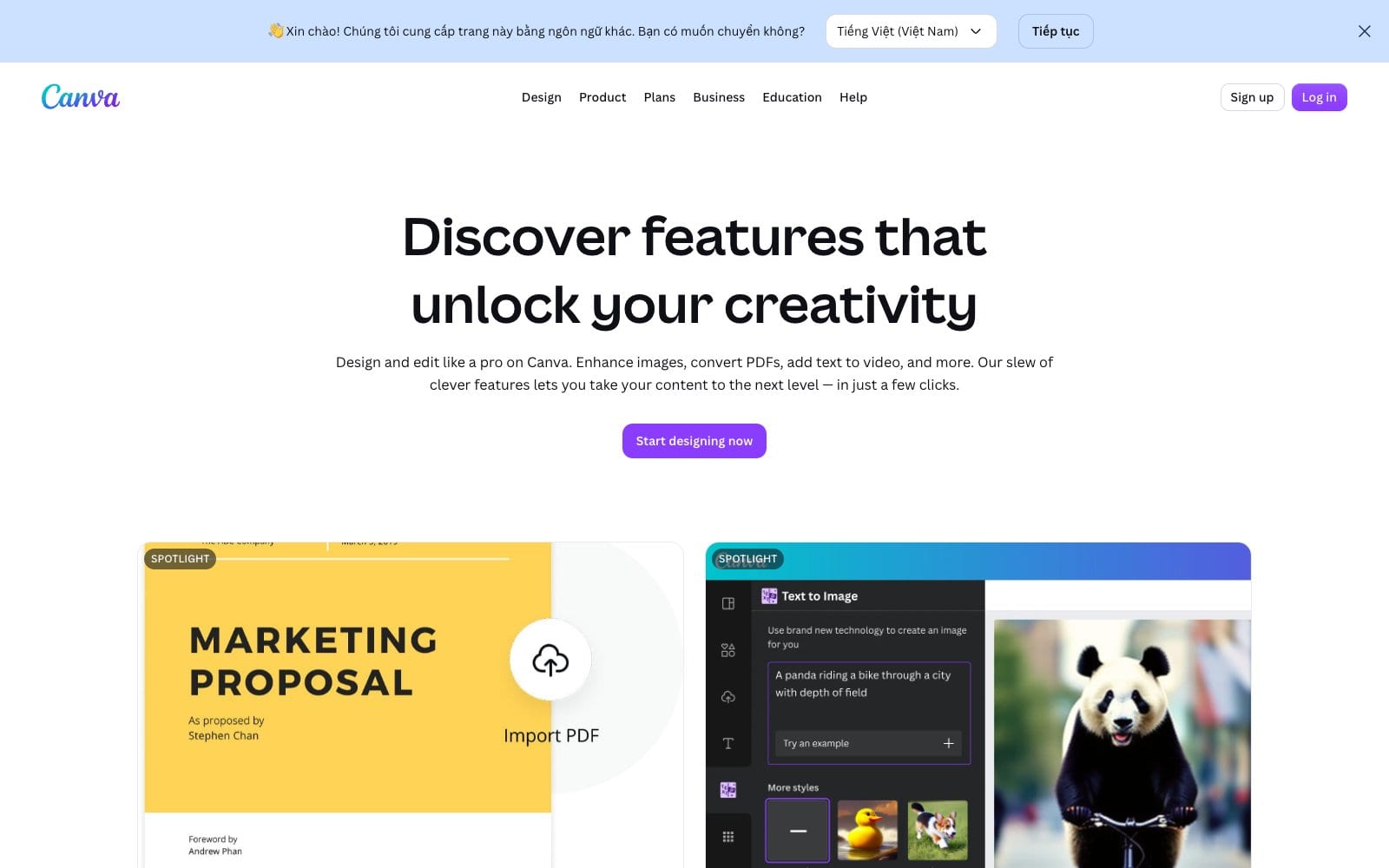
Canva's AI features live under the Magic Studio name, and the brand's own site leads with them: Magic Layers to turn an image into an editable layout, Magic Eraser and Background Remover for photo clean-up, Magic Write for copy, Image Upscaler, Magic Resize and an AI image generator for print work. 24Slides found that Magic Design builds a fully editable deck from a prompt in seconds, typically between 8 and 20 slides, which then needs human work on layout, branding and visual hierarchy before it is presentation-ready.
The limit that matters is resolution. Style Factory counted 20+ AI tools but found that AI-generated video came out at 1366 x 768 pixels and that AI images were not supplied in high resolution either, which rules them out for professional print or broadcast use. For social posts and internal decks, nobody complained.
What you can make with it
Presentations and documents. This is where Canva embarrasses the incumbents on choice. Style Factory counts 20,000+ presentation templates against roughly 30 in PowerPoint out of the box, plus over 1,900 templates built for documents such as proposals, press releases and style guides. 24Slides, a presentation agency with no reason to flatter a competitor, still rates it among the best tools for beginners and business users, while warning that strict brand guidelines and pixel-perfect layouts are beyond it.
Video, audio and print. The video editor is simple but usable, and Style Factory notes a royalty-free library of over 500,000 music tracks and sound effects to lay under it. Print is the weak spot: the same review found products expensive to resell, with a t-shirt cost price around $24 and only a 10% discount for Business plan users, and 24Slides relays user complaints about print quality and express shipping.
Websites, email and social. You can publish a simple one-page site, design email graphics and schedule posts straight from the editor on paid plans. Style Factory's reviewer treats the website builder as a bonus rather than a replacement for a real site platform, and PCMag frames the whole package as a small-business communications suite rather than a design studio.
Collaboration and integrations
Real-time collaboration is standard: several people can edit the same design, leave comments and hand off between desktop and mobile. The Digital Project Manager describes Canva as a fit for cross-functional teams where non-designers need to produce on-brand assets without breaking brand consistency, and CPO Club's reviewers praise the integrations with cloud storage and productivity apps while noting that brand management lacks granular permissions below Enterprise. Style Factory covers the apps marketplace and the ability to embed Canva projects elsewhere, and both it and PCMag confirm Mac, Windows, Chromebook, iOS and Android apps alongside the browser version.
The downsides, honestly
- Exports lock you in. Style Factory's biggest reservation is that export options are limited, so a Canva project often cannot be opened and edited in professional tools later.
- Typography and vector control are thin. PCMag lists limited typography options and calls the tool constraining for professional designers; CPO Club flags limited vector editing and advanced controls.
- AI output is low resolution, as described above, so Magic Media is for screens, not print.
- No phone support and limited backups. Style Factory notes both; live chat only arrives with Pro.
- Print quality and shipping complaints recur in the user reviews 24Slides summarises, and resale margins on Canva Print are poor.
- Billing complaints on Trustpilot. Style Factory found the average user rating across platforms was 4.5, with most sites at 4.6 or 4.7, but Trustpilot notably lower because of billing and customer-support issues, so set a reminder before the trial converts.
- Feature overload. PCMag warns that the sheer number of tools can overwhelm a new user.
Security & data
PCMag devotes a section to safety, AI training and accessibility and judges Canva's precautions serious: there are controls over whether your content is used to train AI features, and the interface meets accessibility expectations. Deleted designs are recoverable from the trash for a month and deleted teams for two weeks, per Style Factory, but the same review says backup options beyond that are limited, so export anything you cannot afford to lose. The Digital Project Manager's FAQ covers how Canva handles data security and confirms that custom templates and fonts on Pro and Enterprise stay inside your team's workspace. Canva is a cloud service: none of the reviewers found a true offline mode, so plan on a connection.
Who it's for
Buy or upgrade if you run a small business, a marketing team, a school or a non-profit and produce visuals weekly; you want one tool for social, slides, documents and simple video; or you manage brand consistency across several people. Teachers and registered non-profits should apply for the free Pro access first.
Skip or stay free if you only make the occasional graphic, you are a professional designer who needs editable vector exports and typographic control, or your work is destined for high-resolution print where the AI output and print service both fall short. Designers will be happier in Figma, Affinity or Adobe's suite.
Alternatives
| Alternative | Monthly price | Where it beats Canva | Where Canva wins |
|---|---|---|---|
| Adobe Express | PCMag: Premium $9.99 a month or $99.99 a year; Teams $7.99 per person a month, two-seat minimum | Cheaper, Adobe stock and fonts, ties into Creative Cloud | Larger template library, more AI tools, better collaboration |
| Figma | Not priced in our sources | Vector precision, interface design, developer hand-off | Templates, stock library, print and social scheduling |
| Adobe InDesign (Creative Cloud) | PCMag: $69.99 a month with an annual commitment for the full suite | Professional print layout and typography | Price, learning curve, speed for non-designers |
Adobe Express is the comparison every reviewer makes. PCMag describes its free tier as including more than 220,000 templates, 500,000 stock images and 5GB of storage, with a 14-day trial on the Teams plan, and calls it Canva's most serious competition now that the standalone Microsoft Designer has gone. If your team's real need is secure sharing of brand assets and credentials rather than design, see our NordPass review; and if you are assembling a small-business toolkit on a budget, our Surfshark review covers the privacy side.
Canva pros and cons
Pros
- Gentle learning curve; non-designers get good results fast
- Enormous template and stock library, strongest for presentations
- Useful AI tools for clean-up, resizing and first drafts
- Real-time collaboration and brand kits on paid plans
- Generous free plan and free Pro for schools and non-profits
Cons
- Limited export formats and editability outside Canva
- Thin typography and vector controls
- Low-resolution AI images and video
- No phone support; backup options limited
- Print service is pricey and inconsistently reviewed
Our ratings
Overall: 4.5/5. Overall, Canva earns four and a half because PCMag made it an Editors' Choice at 4.5, Style Factory rated it 4.5 out of 5 after a long hands-on test, 24Slides scored it 8.6 out of 10 and The Digital Project Manager records a 4.7 customer rating; the export limits, low-resolution AI output and billing complaints cost it the last half point.
Canva
Canva scores 4.5/5. For its intended user it has no equal: PCMag calls the free version excellent and the pricing reasonable, and the only consistent knocks are the ones professionals make about typography, exports and vector editing.
FAQ
Can I use Canva for free?
Yes. The free plan has no time limit and covers the core editor, a large share of the templates and stock library and a basic AI allowance. Style Factory also points to a 30-day free trial of Canva Pro if you want to test the premium features before paying.
How much does Canva cost?
Style Factory lists Canva Pro at $18 a month for one user in July 2026, with up to 16% off for annual billing. PCMag put Canva for Teams at $10 per person a month with a three-user minimum before the 2026 price rise; the tier is now called Canva Business. Enterprise is priced on request.
Is Canva Pro worth it?
If you design weekly, yes: the premium library, background remover, Magic Resize, brand kits and the social scheduler save more time than the subscription costs. If you make a few graphics a month, the free plan is enough. Teachers, students at qualifying schools and registered non-profits can get Pro features free, so check eligibility before paying.
What is Canva Pro?
Canva Pro is the single-user paid plan. It adds the full stock library, premium templates, brand kits, the complete Magic Studio AI toolset, more storage, scheduling to social accounts and live chat support on top of the free plan.
Can you use Canva offline?
Not meaningfully. Canva runs in the browser and through desktop and mobile apps that sync to the cloud, and none of the reviews we read found a working offline mode. Download finished designs as PDF, PNG or MP4 if you need them without a connection.
Who is Canva not for?
Professional designers and teams with strict brand systems. Reviewers at PCMag, CPO Club and 24Slides all describe limited typography, vector editing and pixel-level control, and Style Factory warns that exports cannot always be edited elsewhere. Figma, Affinity or Adobe's suite fit those users better.
What happens if I cancel Canva Pro?
Your account returns to the free plan at the end of the billing period. Designs remain in your account, but premium templates, photos and fonts inside them show as locked until you subscribe again, and brand kits beyond the free allowance become read-only.
Is Canva good for presentations?
For speed and choice, yes: Style Factory counts 20,000+ presentation templates and a presenter view, and 24Slides rates it among the best AI presentation tools for beginners. For a high-stakes investor deck with strict branding, expect to refine the AI's layout by hand or hire a designer.